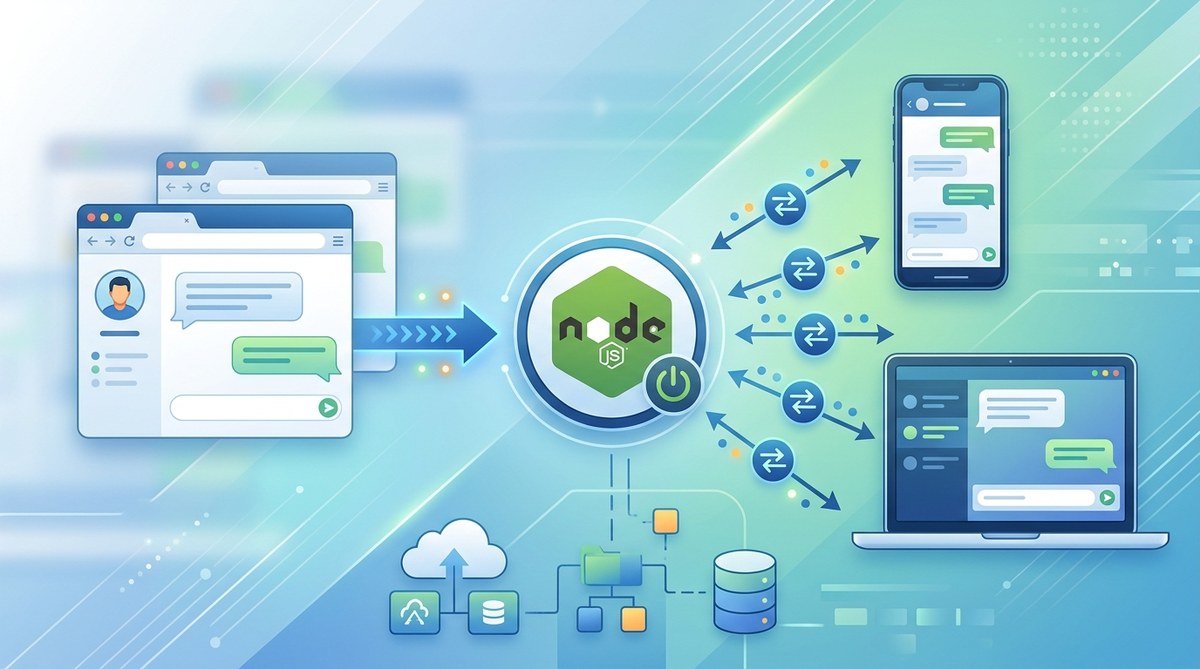
Real time communication changes how users interact with a web application. Instead of waiting for a page refresh, messages appear instantly. For chat apps, this is not a nice to have — it is the core feature. WebSockets make that possible by maintaining a persistent connection between the client and server. Node.js is the natural choice for handling those connections because of its event driven, non blocking I/O model. In this guide, you will build a real time chat application from scratch using WebSockets (via Socket.IO) and Node.js. By the end, you will have a working chat server that supports multiple users, broadcasting, and basic message history.
This tutorial walks you through setting up a Node.js server, integrating Socket.IO, building a simple web client, and deploying the app. You will learn how to handle connect and disconnect events, broadcast messages to all connected users, and manage room membership. The final result is a fully functional chat application that runs locally and can be extended with authentication, persistent storage, or file sharing.
What Makes WebSockets Different from HTTP
HTTP is the foundation of the web, but it was never designed for real time communication. Every request opens a new connection, sends headers, and closes. That process is fine for loading a page, but terrible for a chat app. WebSockets solve this by upgrading an HTTP connection to a persistent two way channel. Once the handshake is done, both the client and server can push messages at any time.
The table below highlights the key differences between the two approaches for a chat application.
| Aspect | HTTP (Polling Approach) | WebSocket (Persistent Connection) |
|---|---|---|
| Connection overhead | New TCP handshake per request | Single handshake, then open channel |
| Latency for new message | Average half the polling interval (e.g., 2 seconds) | Sub 100 milliseconds |
| Server resource usage | High due to many requests per client | Low, one open socket per client |
| Complexity of code | Simple polling but naive | Moderate, requires handling upgrade events |
| Best use case | Static content, REST APIs | Live feeds, gaming, chat, collaboration |
WebSocket is the clear winner for real time features. Node.js handles this extremely well because it uses an event loop that does not block while waiting for a socket activity.
Why Node.js is the Right Tool for Real Time Chat
Node.js was born from the need to handle many concurrent connections with minimal resources. Its event driven architecture means a single thread can manage thousands of open WebSocket connections. When a message arrives, Node.js fires a callback. There is no waiting for a thread pool or context switching. This makes it ideal for chat servers where many users are simultaneously sending and receiving messages.
Additionally, Node.js has a rich ecosystem. The socket.io library abstracts away many of the low level WebSocket details. It provides fallback transports for older browsers, automatic reconnection, and a simple event based API. You can focus on your application logic instead of managing TCP packets.
If you want to go deeper into the asynchronous patterns that make Node.js so effective, we have a related guide on Mastering Asynchronous Programming in JavaScript for Better Performance.
Setting Up the Project
Before writing any code, you need a clean environment. Assume you have Node.js (version 18 or later) installed. Open a terminal and create a new directory.
mkdir realtime-chat
cd realtime-chat
npm init -y
Then install the necessary dependencies.
npm install express socket.io
expresswill serve the HTML page and static assets.socket.ioprovides both the server library and a client script that you can include in your frontend.
That is all you need. No build tools, no webpack. Socket.IO works out of the box.
Building the Server
Create a file called server.js in the project root. This file will set up Express and attach a Socket.IO server to it.
const express = require('express');
const http = require('http');
const { Server } = require('socket.io');

const app = express();
const server = http.createServer(app);
const io = new Server(server);

app.use(express.static('public'));

io.on('connection', (socket) => {
  console.log('A user connected:', socket.id);

  socket.on('disconnect', () => {
    console.log('User disconnected:', socket.id);
  });
});

const PORT = process.env.PORT || 3000;
server.listen(PORT, () => {
  console.log(`Server running on port ${PORT}`);
});
This minimal server logs connections and disconnections. It also serves static files from a public folder. Let us create that folder and a basic HTML client.
mkdir public
touch public/index.html
Creating the Client Interface
The client needs a few HTML elements: a list of messages, an input field, and a send button. The Socket.IO client library will be loaded from the same server.
<!DOCTYPE html>
<html>
<head>

</head>
<body>
  <ul id="messages"></ul>
  <form id="chatForm">
    <input id="input" autocomplete="off" />
    <button>Send</button>
  </form>


</body>
</html>
Notice the client emits a chat message event and listens for the same event. The server must now handle this broadcast.
Broadcasting Messages to All Users
In your server.js, add a listener inside the connection callback.
socket.on('chat message', (msg) => {
  io.emit('chat message', msg);
});
The io.emit sends the message to every connected client, including the sender. If you want to exclude the sender, use socket.broadcast.emit instead.
Restart the server and open two browser tabs. Type a message in one tab, and it appears in the other. This is real time communication working with just a few lines of code.
Adding User Names and Rooms
A chat app is more useful when users have names and can join separate channels. Here is how to extend the server.
- When a user connects, ask for a username (or generate a guest name).
- Allow users to join a room by emitting a
join roomevent.
Modify the client to send the username on connect.
const socket = io({
  query: { username: prompt('Enter your name:') }
});
On the server, read the query parameter and store it.
io.on('connection', (socket) => {
  const username = socket.handshake.query.username || 'Anonymous';
  console.log(`${username} connected`);

  socket.on('chat message', (msg) => {
    io.emit('chat message', `${username}: ${msg}`);
  });
});
For rooms, use socket.join(roomName). Then emit only to that room.
socket.on('join room', (room) => {
  socket.join(room);
  socket.to(room).emit('chat message', `${username} has joined the room`);
});
Now users can be in separate chat rooms. The client needs a UI to select a room, but the logic is straightforward.
Common Mistakes and How to Avoid Them
Real time chat apps can have subtle bugs. Here are five mistakes I have seen frequently.
-
Forgetting to handle disconnects gracefully
When a user closes the tab, the server emits a disconnect event. Always clean up user references to avoid phantom connections. -
Broadcasting to the wrong recipient
Usingio.emitsends to everyone. Usesocket.broadcast.emitto send to all except the sender. Usesocket.emitonly for acknowledgment. -
Not limiting message size
Attackers could send huge messages. Set a limit on the server side using a middleware or simply checkmsg.length. -
Sending sensitive data in query strings
Usernames and tokens in the connection URL are logged. Use authentication via events after connection. -
Ignoring error events
Socket.IO emits anerrorevent. Always attach a listener to prevent unhandled promise rejections.
socket.on('error', (err) => {
  console.error('Socket error:', err.message);
});
Testing and Debugging the Chat App
Open your browser’s developer tools. In the Network tab, look for the WebSocket connection. You will see frames being sent and received. This is a good way to inspect what data is flowing.
Terminal output is also helpful. Add more console.log statements to trace events. For a production app, you would use a proper logging library, but for learning, console works fine.
Scaling Considerations for 2026
A single Node.js process can handle many concurrent connections, but at some point you will need to scale horizontally. In 2026, the most common approach is to use a Redis adapter for Socket.IO. This allows multiple Node.js instances to share the same event state.
npm install @socket.io/redis-adapter redis
The setup is a few lines. Messages broadcasted on one server become visible on another. This pattern is used by companies like Slack and Trello.
To learn more about the ecosystem, check out our article on Top Open Source Frameworks Every Web Developer Should Know in 2026.
Where to Go from Here
You now have a functional real time chat application built with WebSockets and Node.js. The core concepts — persistent connection, event based messaging, broadcasting — apply to many other project types: live notifications, collaborative editing, multiplayer games, and live dashboards.
For your chat app, consider adding these features next:
- Persistent message history using a database.
- Typing indicators.
- Image and file upload.
- Private messaging between two users.
- User authentication with JWT.
Each of these builds on the foundation you just created.
The Steps Recap
Let us summarize the process in a numbered list so you can review it quickly.
- Initialize a Node.js project and install
expressandsocket.io. - Create a server that serves static files and listens for WebSocket connections.
- Build a client HTML page that connects to the server and handles form submission.
- Emit messages from the client and broadcast them on the server.
- Add usernames and room support for a richer experience.
- Handle edge cases: disconnects, errors, and message limits.
A blockquote from an experienced developer:
“The hardest part of building a real time app is not the code — it is managing state across many clients. Always think about who sees what and when.”
— A senior engineer at a messaging startup
Final Thoughts on Your Real Time Journey
Real time chat is one of the most satisfying projects to build because you see the result instantly. The code is small enough to keep in your head, but the concepts scale to enterprise level systems. You have taken the first step by building a chat app with Node.js and WebSockets. Now go and add your own twist — maybe a dark mode toggle, emoji support, or a bot that responds to specific commands. The tools are ready, and the network is waiting.