Your senior engineer just spent forty minutes walking through a new microservice architecture on a Zoom call. Someone hit record. The replay now lives in a shared drive folder named something like 2025-03-arch-review-v2-final.mp4 and that is where the knowledge dies. Nobody will search for it. Nobody will find it at 11 PM when a junior dev is debugging a deployment issue and needs that context badly. The recording might as well not exist.
Engineering knowledge does not have to die in video files.
- SRT subtitle files are structured, machine-readable text that feeds directly into docs pipelines without a custom parser.
- A transcript-to-docs workflow takes under a day to wire up and runs automatically from that point on.
- Searchable transcripts turn passive recordings into living reference material your whole team can actually use.
The Knowledge Locked in Your Team’s Recordings
Most engineering teams record more than they realize. Sprint demos, architecture walkthroughs, onboarding screencasts, incident postmortems, API design sessions. The content is dense and genuinely valuable. The problem is that video is opaque to every search engine, documentation system, and knowledge base your team relies on.
Text is indexable. Video is not. A Markdown file that says “we chose eventual consistency over strong consistency because of write throughput requirements” will surface in a full-text search. The same sentence spoken in a recording will not. That asymmetry is the core problem this pipeline solves.
Teams often respond to this by writing manual summaries after each session. That process is slow, inconsistent, and falls off the moment the team gets busy. Automation is the only approach that actually sticks because it removes the human decision point from the loop entirely.
Why SRT Is the Right Starting Format for Transcript Ingestion
Before writing any parsing code, you need your transcript in a format that is both structured and widely supported. Plain text dumps from transcription tools are messy. Raw ASR output contains no timing data. The SubRip format, known by its .srt extension, solves both problems cleanly.
An SRT file organizes transcript content into numbered blocks. Each block contains a sequence number, a timestamp range in HH:MM:SS,mmm format, and one or two lines of text. That structure makes it straightforward to parse with any scripting language, and the timestamps let you anchor documentation back to specific moments in the original video.
Producing a video to SRT conversion before writing a single line of ingestion code means your downstream steps start with predictable, structured input. That matters because parsing, chunking, and indexing all depend on consistent formatting. Starting clean prevents a category of bugs that come from irregular plain-text output.
The W3C’s guidance on accessible media captions underpins how browsers and media players handle subtitle formats today. SRT predates that standardization work but remains the most portable and tool-compatible format in the ecosystem, which is why it integrates cleanly with so many downstream tools.
Structuring the Pipeline from Recording to Search
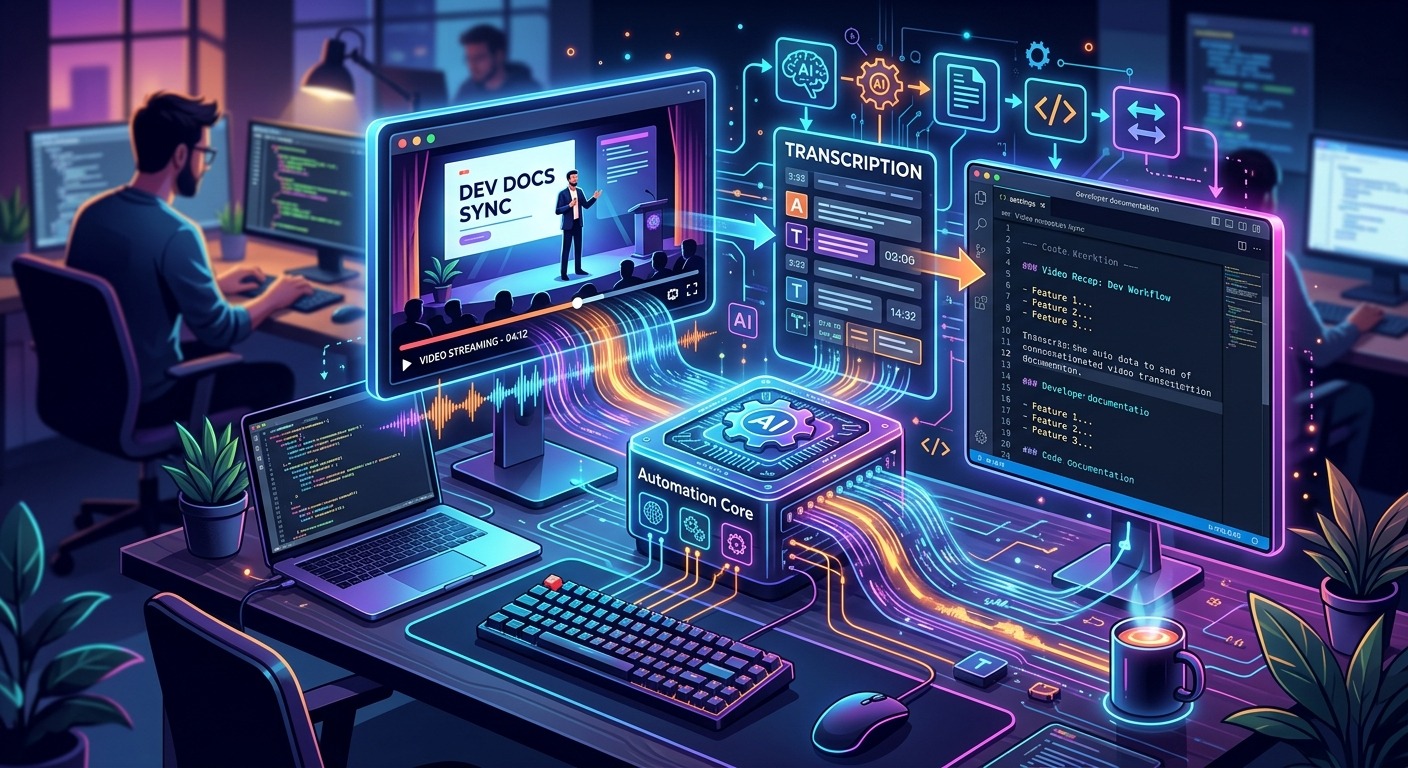
A workable pipeline has four distinct stages. Each stage has a clear input and output, which makes the whole thing testable in isolation and easier to debug when something breaks.
- Capture the recording. Your existing tooling already handles this. Zoom, Google Meet, Loom, OBS , the source does not matter. What matters is that recordings land in a predictable location: a shared drive folder, an S3 bucket, or a local directory watched by a script.
- Extract the SRT file. Feed each new video file through your transcription step. The output is a
.srtfile with the same base name as the video. This is the step where timestamp-aligned transcript data gets produced. - Ingest into the docs system. A short script reads the SRT file, strips timing metadata for the human-readable portion, and writes a Markdown or MDX file into your docs repository. The timing data lives in frontmatter for tools that need it.
- Index for search. Your CI pipeline picks up the new Markdown file on commit and passes it to your search indexer. Whether that is Algolia, Meilisearch, a custom Elasticsearch setup, or a static search tool like Pagefind, the file is now findable.
Each stage is a script that takes a file path as input and produces a file as output. The whole pipeline can be driven by a file watcher, a cron job, or a webhook from your storage layer. None of it requires a dedicated service or a new infrastructure dependency.
What the Raw SRT Format Looks Like in Practice
The SRT format is simple enough that you do not need a library for it, though libraries exist in every major language. Here is a representative snippet:
1
00:00:04,200 --> 00:00:08,600
We decided to use an event-driven architecture
for the notification service.

2
00:00:08,600 --> 00:00:13,100
The main reason was decoupling the write path
from downstream consumers.
A basic parser in Python reads this in about fifteen lines. Split on blank lines to get blocks, extract the index and timestamp from the first two lines of each block, and join the remaining lines as content. You end up with a list of dictionaries ready for downstream processing.
When writing the ingested Markdown file, a few structural decisions make a real difference in usability:
- Use a frontmatter block to store the video URL, recording date, and participant list so metadata stays attached to the document as it moves through your system.
- Chunk transcript content by speaker turn or time interval rather than outputting the whole thing as a wall of unbroken text.
- Add a summary section at the top using either a manual stub or a summarization pass if your tooling supports it.
- Include deep-link anchors tied to timestamps so readers can jump directly to the relevant moment in the original video.
The goal is a document that reads like a meeting note but carries the full verbatim transcript lower on the page. Search indexes the full text. Humans read the summary and follow specific links when they need more depth.
Connecting Transcripts to a Search Index That Actually Works
The docs-as-code pattern means your documentation lives in a Git repository and gets built and deployed the same way your application code does. A new transcript file committed to that repo triggers the same CI process that rebuilds your docs site.
If your docs site already has search, adding transcript files is zero additional configuration. They are Markdown files like any other. The search indexer processes them on the next build and they start showing up in results immediately.
For teams that want richer search behavior, the timestamp metadata in frontmatter opens up genuinely useful options. You can build a custom search interface that groups results by recording date, filters by meeting type, or displays the specific timestamp range where a search term appears. That last capability turns a search result from “this recording mentions Kafka” into “this recording mentions Kafka at the 14-minute mark, here is the direct link.” The engineering cost of that richer interface is non-trivial, but the baseline gets transcripts indexed in your existing search and costs almost nothing once the pipeline is running.
Keeping the Pipeline Running Without Constant Maintenance
A pipeline that requires manual intervention will drift. The team gets busy, steps get skipped, the backlog of unprocessed recordings grows, and eventually someone decides the system does not work. Reliability is not optional here, and a few specific practices make a significant difference.
Run the transcription step on a schedule rather than manually. A nightly job that processes any new video files in the watched folder means recordings from the day are available in search by morning. Log failures loudly. If transcription fails for a file, send a notification to a Slack channel or open a ticket automatically. Silent failures are how backlogs grow invisibly over weeks.
Version the SRT files alongside the generated Markdown in your repository. If the downstream parsing logic changes later, you can re-run ingestion from the stored SRT files without re-transcribing everything from scratch. That single practice has saved teams hours of rework when format changes hit mid-backlog.
These additions are not complex. They are the difference between a demo that works once and a system your team trusts six months from now.
Turning Passive Recordings into Active Engineering Memory
The recordings your team makes today carry information that will matter six months from now. A decision made in an architecture review, a gotcha called out during an onboarding walkthrough, a workaround explained in a postmortem call. That knowledge exists. The only question is whether it stays locked in a video file or becomes part of the documentation your team can search and reference.
The pipeline described here connects tools and formats that already exist in most developer environments. SRT files provide the structured bridge between raw video and indexable text. A few scripts handle ingestion. Your existing docs and search infrastructure does the rest.
The real payoff is not just searchability. It is that knowledge capture becomes a background process rather than a manual task. Engineers keep recording the way they already do. The documentation happens automatically. And the next person who needs to understand why a particular architectural decision was made can find the answer in a search box instead of asking someone to remember a meeting from two quarters ago.